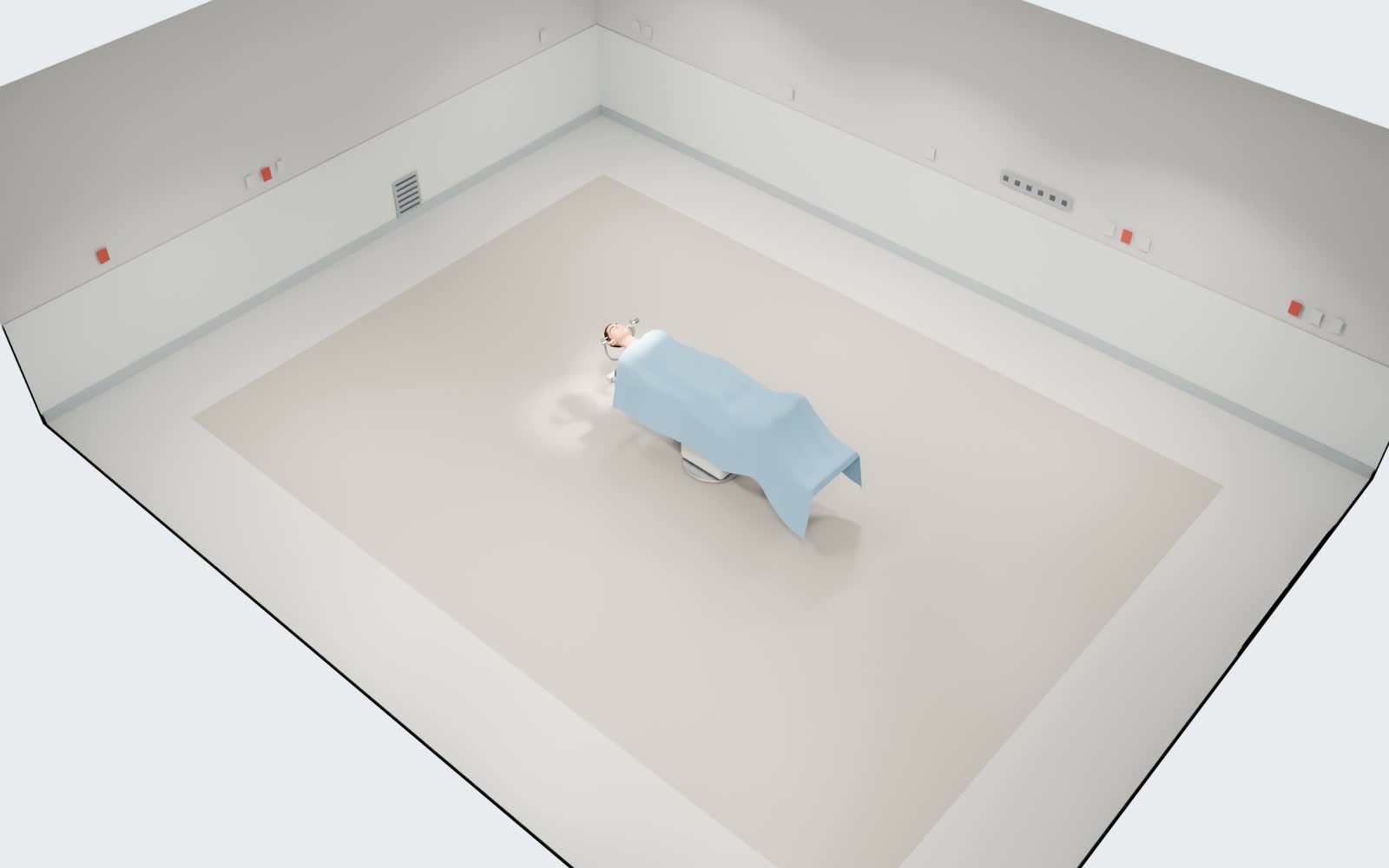
Every device in place. Every task owned.
The surgeon sets up the operating room in 3D. The team sees what to prepare, on the phone they already carry.
The surgeon plans it. Everyone is ready.
Each part with the recommended answer already picked.
- 1ApproachPick the approach. The rest follows from it.
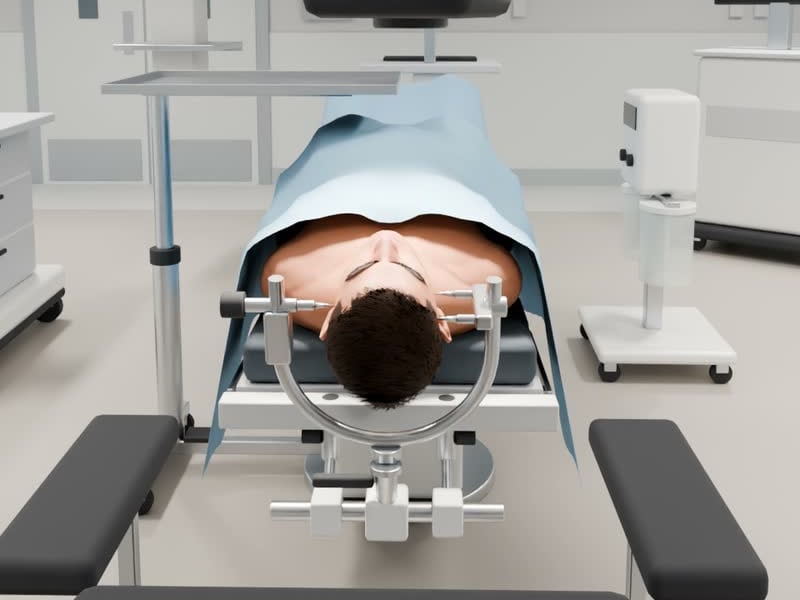
- 2PositionBody and head, in degrees: turn, bend, tilt.
- 3RoomTap an item in the 3D view, drag it into place.
- 4SetsStarts from what this surgeon used last time.
- 5SendOne tap, and the plan goes out.
Drag it into place. Save it once.
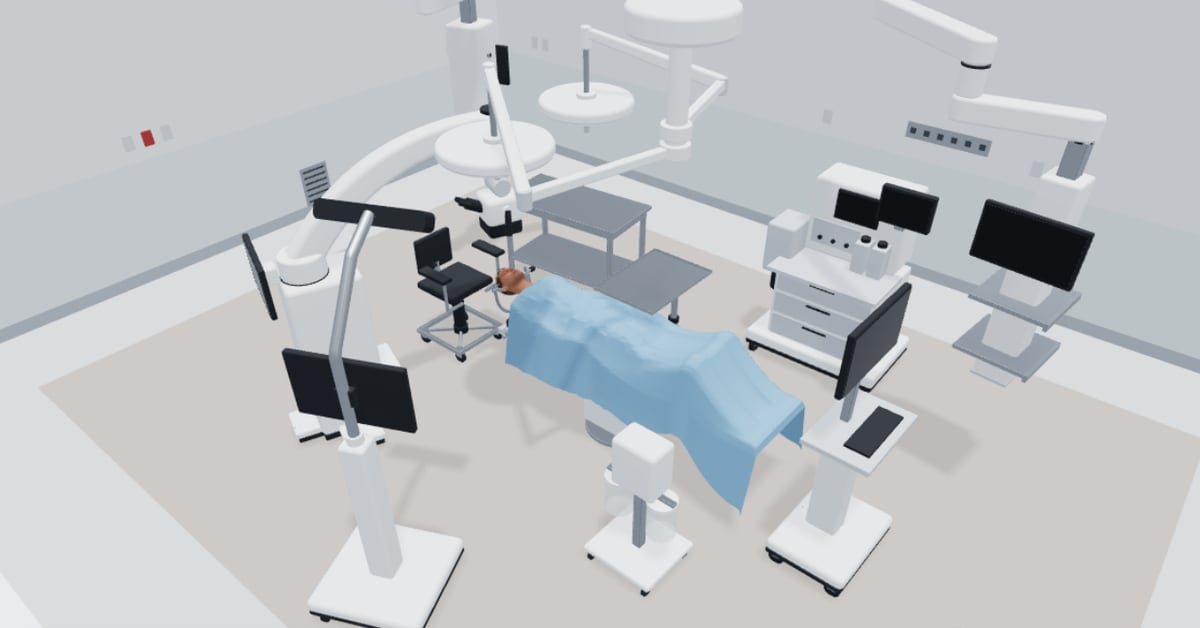
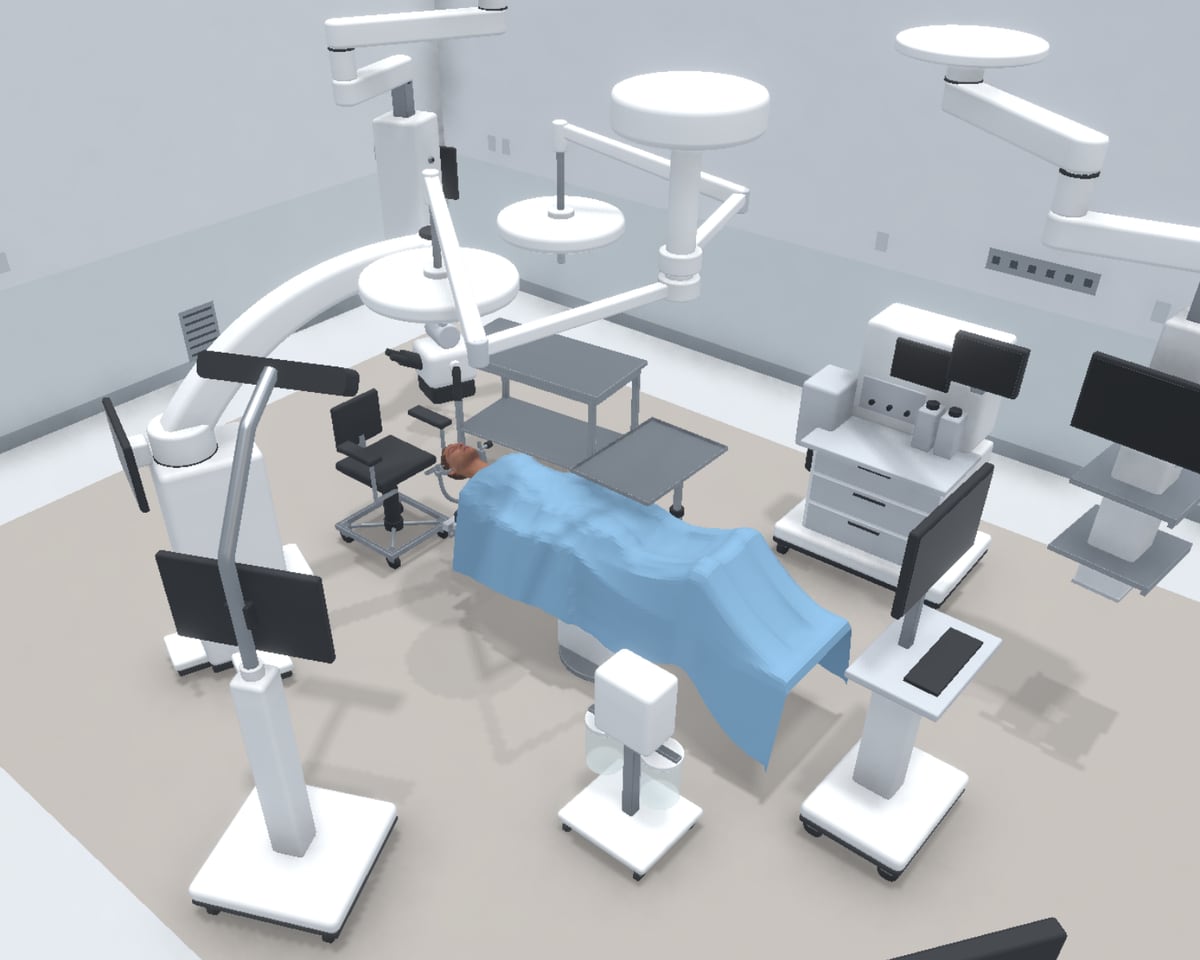
The room seen from above, every machine numbered. Sets, positioning and set-up are one tap away.
- Drag each machine into place.
- Then choose the sets, the patient's position and the set-up list, each from its own tile.
- Save it. The next operations get this version.
The whole OR day, on one screen.
The head nurse runs the day for every room: who works where, which sets and machines are ready, what to fix before the next operation. Meridian puts it all in one place, and says what to do next.
- The day at a glance: what needs her, what is broken, how many rooms are running.
- Every room, live: which operation is on, and what is wrong.
- Each problem comes with its next step, one tap away.
Ready, or not yet. You see which.
Open an operation and see the room as planned, and what is still missing.
- Pick an operation.
- See the room as planned.
- Sets, machines, team: ready or not.
Need a hand? Ask from your phone.
No running to the desk, no phone tree. The nurse in the room says who should come and why; the head nurse answers. No answer within 3 minutes: the operation offers the call.
- The nurse picks who should come, and why.
- The head nurse sees it first, and sends someone.
- The room sees who is coming.
One app, on whatever is in reach.
Start a plan on one screen and pick it up on the next. Everything works on every device.
Never look for a number again.
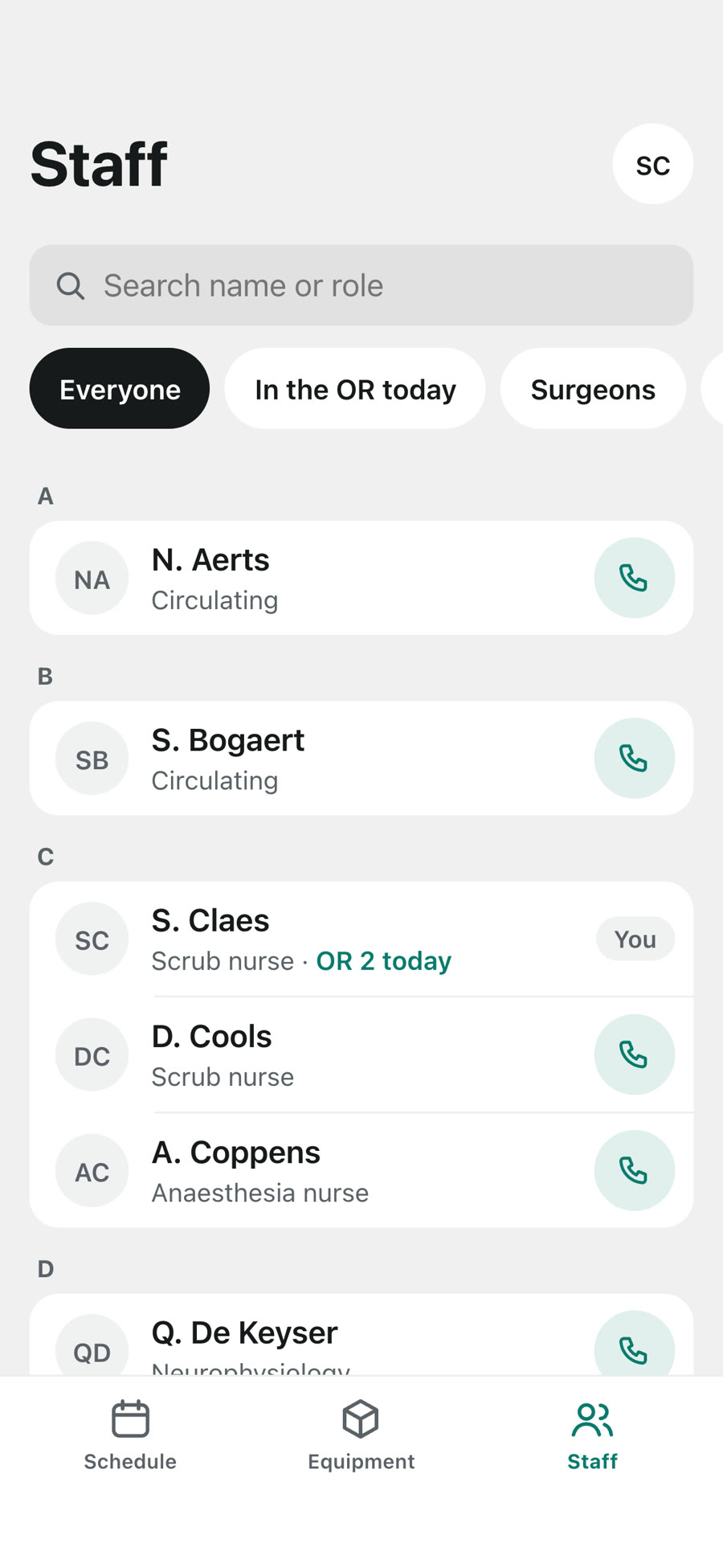
Everyone who works in your ORs, with their role and phone number. On every device, one tap from a call.
- Find anyone by name or role.
- See who is in the OR today.
- Call in one tap.
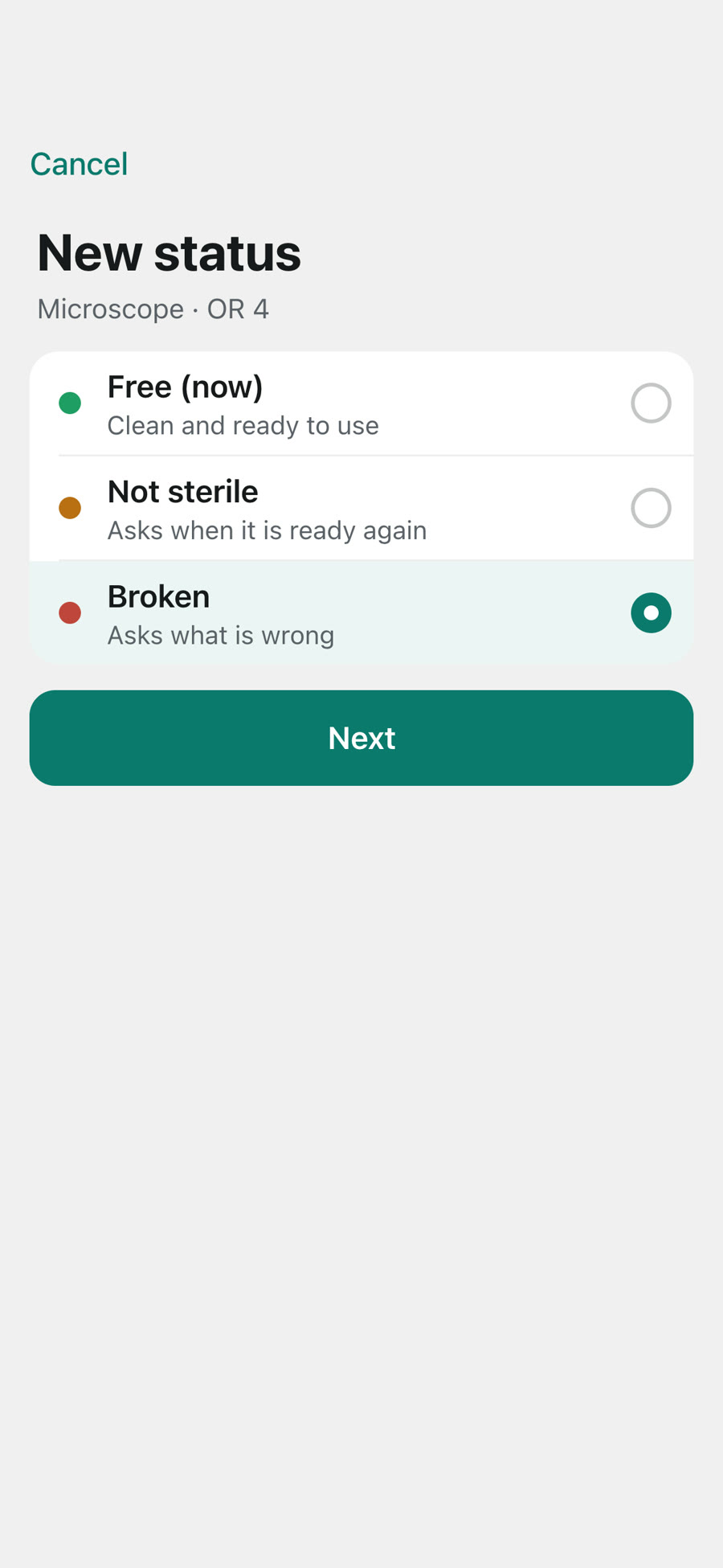
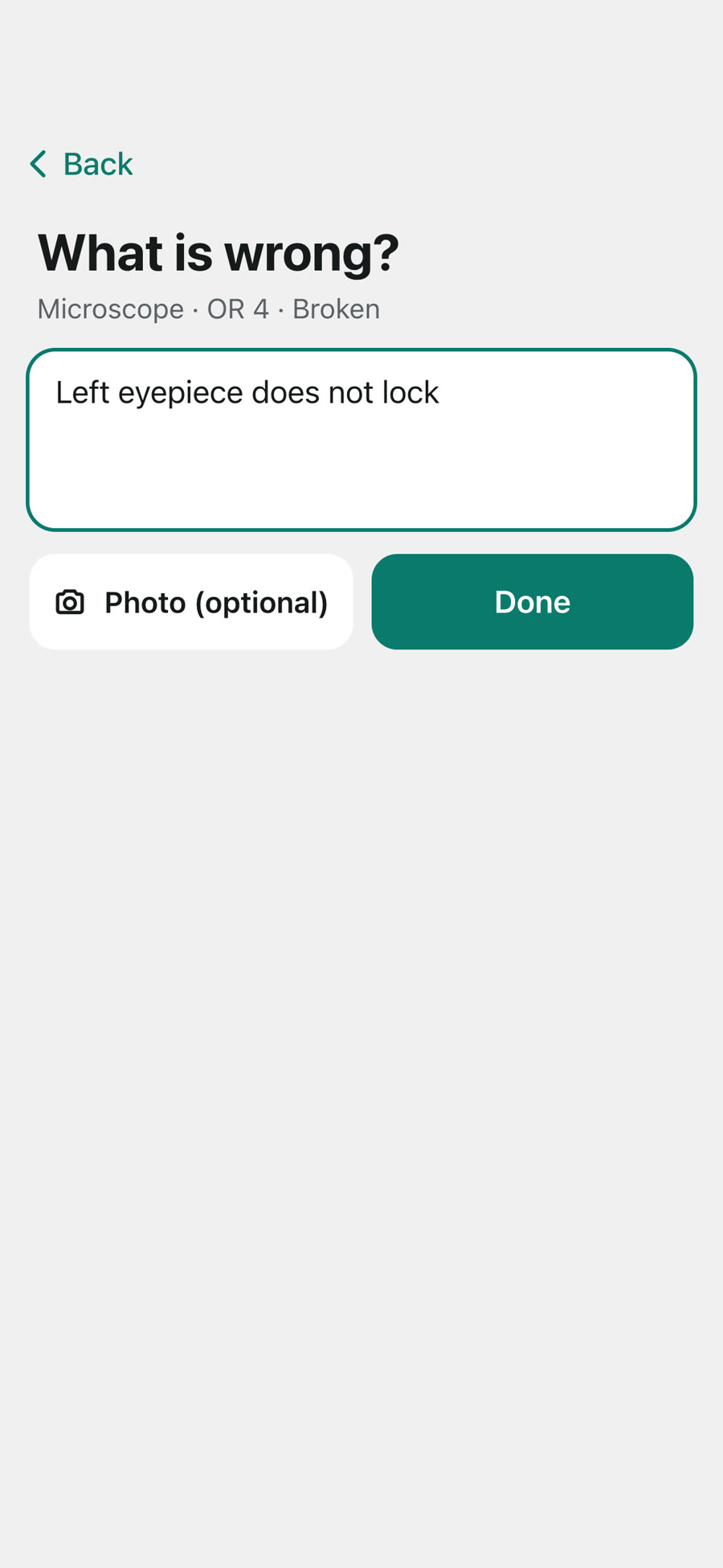
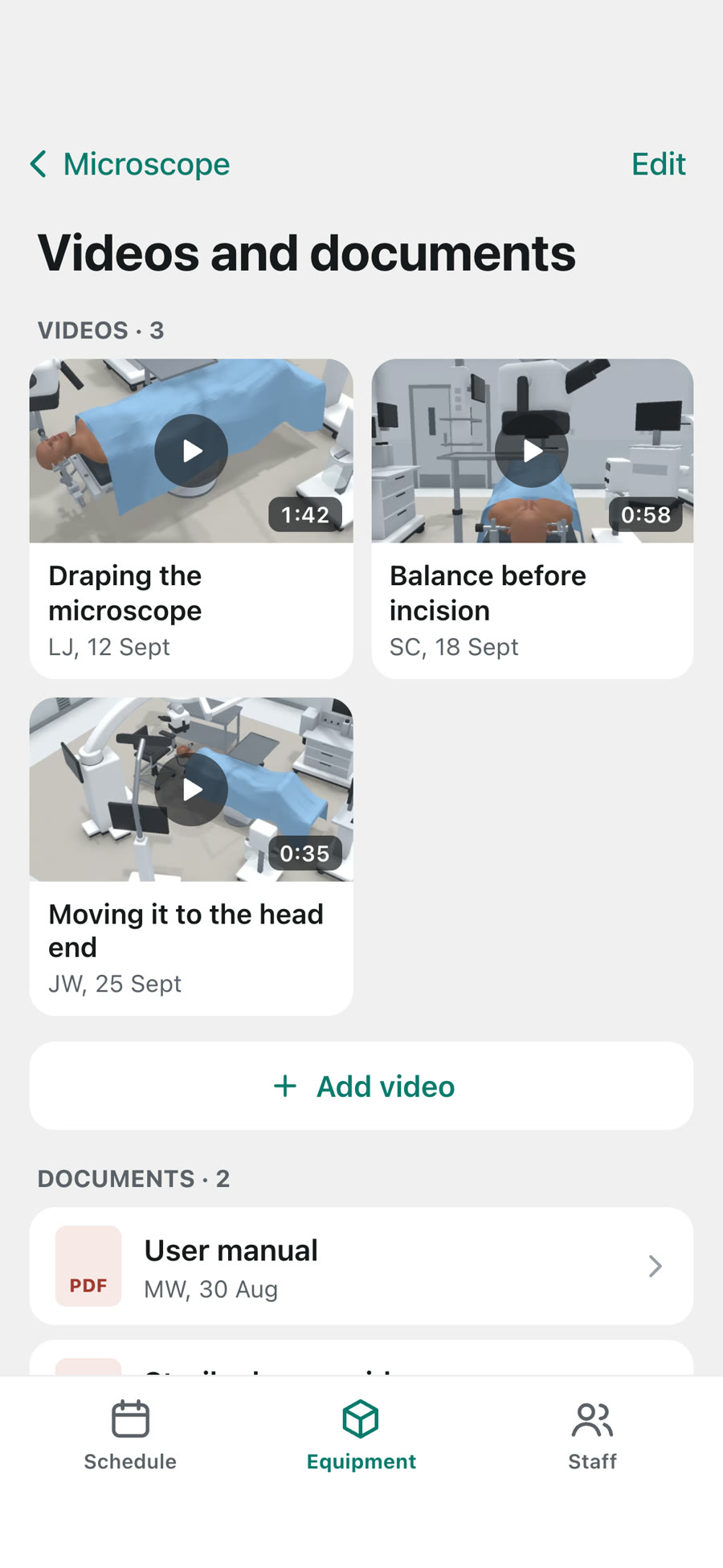
Broken? The whole team knows.
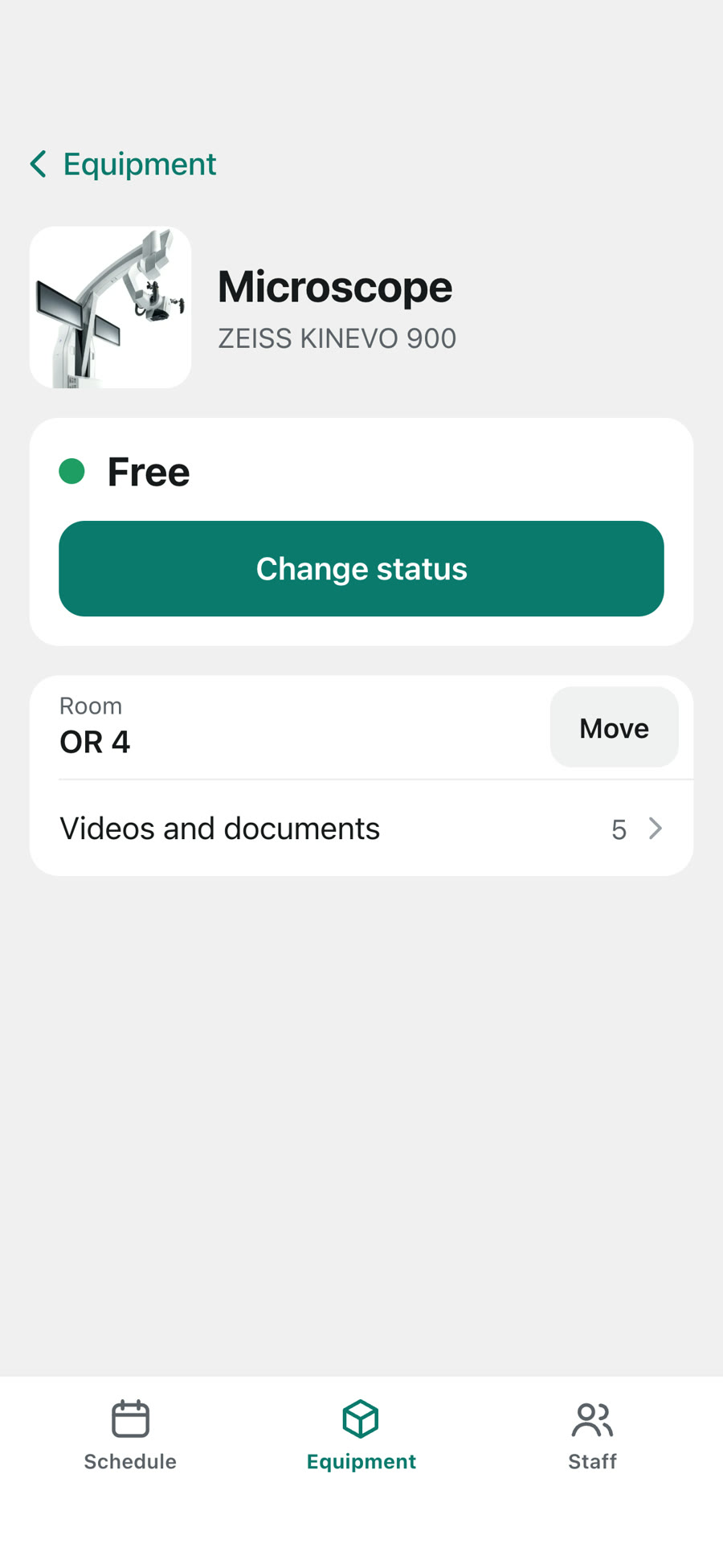
Every set and device in your ORs, with its status, its videos and its manuals.
- Mark it broken in two taps.
- Say what is wrong, add a photo.
- Watch the set-up video, read the manual.
Join the
pilot.
A few Belgian hospitals will run Meridian in neurosurgery and spine, with a baseline before and a study after. Tell us about your OR.